· Eduardo Vieira · Industrial Connectivity · 10 min read
Siemens S7-1200 OPC UA: Connection and Diagnostics
A source-backed S7-1200 OPC UA workflow for model boundaries, certificates, subscriptions, and safe diagnostics.
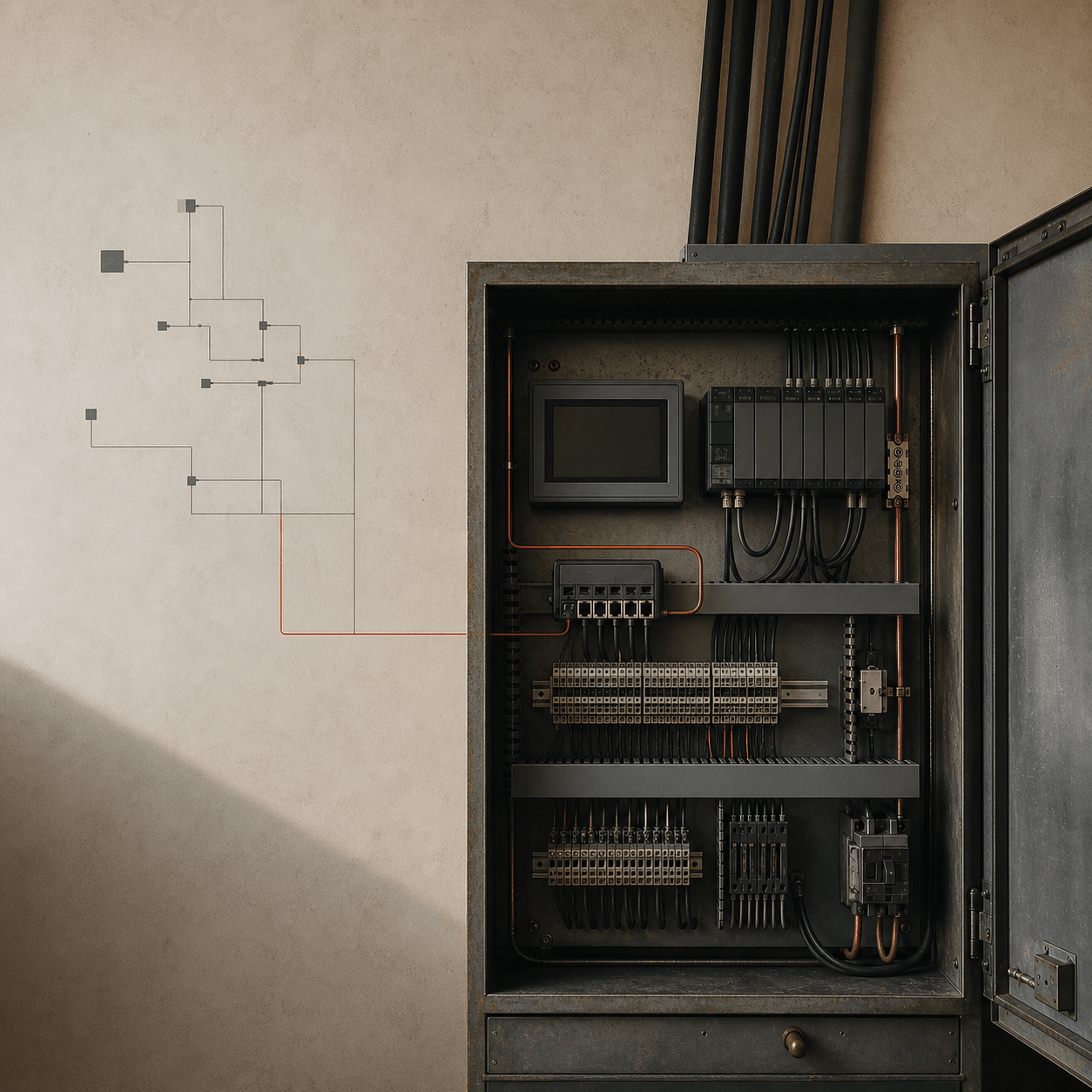
S7-1200 OPC UA: connection and diagnostics
This is a source-backed workflow for an S7-1200 OPC UA server, not a benchmark, cloud architecture, or live-control recipe. Start by proving the CPU, firmware, TIA Portal project, license, endpoint, and trust configuration that actually exist. Then expose a small read-only tag set, connect a client using the security mode the server advertises, and use diagnostics before changing intervals. The result is a repeatable integration boundary rather than a promise about latency.
Establish the model boundary before opening TIA Portal
“S7-1200” is not enough information for a configuration decision. Siemens application example 109781701 documents an OPC UA server from firmware V4.4 and shows a CPU 1215C project in TIA Portal V16. That is the bounded source used here. It does not prove support, menus, endpoint options, capacity, or license behavior for every order number, every firmware release, or every engineering release.
Keep three cases separate in the engineering record:
| Family | What this article can say | What must be checked separately |
|---|---|---|
| Legacy S7-1200 | The cited V4.4/CPU 1215C/TIA V16 example documents a server workflow. | Exact CPU order number, installed firmware, compatible TIA version, and license state. |
| S7-1200 G2 | It is not covered by the cited legacy example. | Its current Siemens manual, compatibility tool, licensing, server feature set, and security UI. |
| S7-1500 | It is outside this article’s implementation scope. | Its own Siemens documentation and project-specific server/security behavior. |
This distinction prevents copying a screenshot or NodeId convention from one generation as a product-family contract. Record the CPU MLFB, firmware, TIA Portal version, installed option packages, and the evidence document revision in the project’s change record. If any one of those differs from the source-backed case, use current Siemens documentation for that target rather than extrapolating.
Prerequisites: make the server an intentional interface
Use a controlled engineering workstation and the project’s approved change process. Before enabling anything, capture a project backup, identify the management subnet, and decide who owns server certificates and client authorization. OPC UA exposure is an interface change: it deserves the same review as a firewall rule or an external API, not an unchecked convenience setting.
For the bounded legacy example, Siemens documents server activation together with a certificate and a runtime or Basic license. Confirm the applicable license is present and valid for the exact CPU/project before diagnosing a client failure as a network problem. A missing or incompatible license, an unaccepted certificate, and an unsupported firmware combination can all look like a connection problem from the client side.
In TIA Portal, configure the OPC UA server only after confirming the CPU supports the intended feature. Give the server a known network address through the plant’s normal network design; do not expose TCP 4840 or any other endpoint through a WAN simply to make a test easier. Collect the endpoint URL from the server configuration or discovery result instead of inventing one from an example. A URL such as opc.tcp://host:4840 illustrates a transport shape, not a universal endpoint for this CPU.
Start with the smallest useful address space. Expose only tags that are needed by the integration, preferably a purpose-built interface data block with documented names, units, scale, timestamp meaning, and quality expectations. Enable the relevant OPC UA accessibility setting for those variables according to the project and CPU documentation. Do not expose control commands merely because telemetry is working. Read-only telemetry and a separately reviewed control interface have different safety and authorization consequences.
Namespaces and tags: browse first, never guess
An OPC UA NodeId contains a namespace and an identifier. The namespace index is assigned by the server and can vary across a server configuration or project deployment. Treat an example such as ns=3;s=Machine.Speed as a test example identifier, not as a Siemens naming rule. A robust client connects, reads the server namespace array, browses the intended folder, and records the discovered NodeIds in controlled configuration.
The tag contract needs more than a value. For every exported signal, document its engineering unit, valid range, source of truth, update semantics, and what a bad or stale status means to the consumer. A speed value without units or quality is not a reliable integration contract. Likewise, a timestamp may be supplied by the source, the server, or a client clock; compare timestamps only when their origin and clock discipline are known.
Restrict browse and read permissions to the identities that need them. Separate service identities from human engineering accounts, use a least-privilege role model supported by the target configuration, and remove access when a gateway is retired. Do not share a generic administrator credential with a data collector. Authorization is part of the endpoint design, not a later hardening step.
Certificates, users, and SecurityPolicy are operational work
OPC UA security is negotiated through endpoints and SecureChannels; it is not a universal checkbox with one correct setting. OPC UA Part 6 describes SecurityPolicy as the algorithm set used during SecureChannel setup, and a policy of None provides no message security. That fact does not tell us which policies a particular Siemens CPU offers or which selection a plant must make. Discover the available endpoints on the configured server and select an approved endpoint using the site security policy and current Siemens documentation.
Use certificate-based trust deliberately. Create or obtain client and server certificates through the organization’s approved PKI process, protect private keys, verify identity during commissioning, and record issuer, serial number, thumbprint, owner, purpose, and expiry. Transfer only the public certificate through the approved trusted-client workflow. Reject an unknown certificate rather than accepting it because a test client is blocked. Trusted-client, authentication, and endpoint behavior remain configuration-, model-, and version-specific.
Plan the lifecycle before the first connection. A certificate expiration date is an outage date unless renewal, deployment, trust-list update, and rollback are rehearsed. Rotate a client certificate in a maintenance window, retain the old trusted certificate only for the documented overlap period, verify the new session, and then remove the old trust entry. Log authorization failures without recording secrets. If users are configured, give each client its own account or credential path where the target supports it; never place passwords, private keys, or certificate exports in source control or tutorial snippets.
Endpoints and subscriptions: separate sampling from publishing
After a client connects to an approved endpoint, browse the namespace, read a small set of tags once, and inspect status codes before adding a subscription. A successful TCP connection proves only reachability, not the selected endpoint, identity, authorization, namespace, or data quality.
A subscription has at least two timing ideas that should not be collapsed into “latency.” Sampling interval is when the server evaluates a monitored item. Publishing interval is when the subscription makes notifications available to the client. Queues, deadbands, server revisions, network delay, client processing, reconnect behavior, and clock differences can all affect what arrives and when. The requested interval can be revised by the server; read the revised parameters returned by the server instead of assuming the request was accepted unchanged.
Choose values from the signal’s business purpose. A slowly changing energy total might tolerate a longer publishing period; an alarm state may require a different monitored-item policy and explicit acknowledgement design. Do not set every tag to the fastest value. First define acceptable staleness, loss handling, and capacity budget, then test the actual configuration. This article reports no timing result, jitter, throughput, scan-time impact, or live PLC result.
Three synthetic notifications show how a consumer orders records, interprets Good status, and compares timestamps. They do not emulate a Siemens server, certificates, network, cloud service, or PLC scan cycle.
Diagnose failures in layers
When a session fails, change one layer at a time and preserve the evidence. Start with reachability and the server endpoint list; then verify the selected SecurityPolicy and security mode, certificate trust state, user authorization, namespace browse result, NodeId, status code, monitored-item settings, and client logs. A vague “OPC UA is down” report hides the layer that needs repair.
| Symptom | First evidence to inspect | Safe response |
|---|---|---|
| Connection rejected | Endpoint URL, server availability, firewall path, and selected security mode | Compare the client selection with the server’s advertised endpoint; do not weaken security blindly. |
| Trust failure | Certificate thumbprint, issuer, validity period, and trusted-client record | Use the approved trust workflow; replace or renew the certificate rather than bypassing validation. |
| User rejected | Account/role assignment and server authentication configuration | Grant only the required role after authorization review; do not reuse an administrator account. |
| Browse works but read fails | Node permissions, exposed tag settings, NodeId, and status code | Verify the data contract and permissions; do not infer access from a successful browse. |
| Notifications appear irregular | Revised sampling/publishing values, queue, deadband, client handler time, and reconnect events | Record observations and test the configured system; do not call the pattern a latency result. |
| Values look wrong | Unit, scale, source/server timestamp, status, and application conversion | Stop downstream use until semantics are confirmed; a numeric value is not proof of correctness. |
Keep diagnostic exports free of passwords and private key material. Preserve endpoint descriptions, public certificate fingerprints, status codes, server and client logs, and a timestamped configuration snapshot in the approved evidence location. These artifacts make a later incident reproducible without broadening access.
PLCSIM and bench work have a hard boundary
PLCSIM can be useful for project logic and selected test workflows, but it is not automatic proof that an S7-1200 OPC UA server behaves like physical hardware. Siemens documentation found for PLCSIM Advanced V7.0 describes OPC UA Safety CPU-to-CPU simulation; it does not establish general legacy S7-1200 server compatibility or performance. Licensing, adapters, firmware, endpoint security, and simulation capability vary.
If a team runs PLCSIM or hardware, record the CPU or simulator version, firmware, TIA version, license state, network topology, endpoint selection, certificates, client version, tag count, requested and revised intervals, test duration, and failure observations. Treat the result as limited to that setup, not as a universal latency number, cloud readiness statement, or production approval. Production control needs its own safety, hazard, cybersecurity, and operational acceptance process.
The cloud boundary belongs after the OPC UA boundary
An OPC UA client gateway can consume a bounded telemetry interface and publish a separate message contract to another system, but that second hop is not implemented or measured here. Keep the responsibilities distinct: the PLC server exposes an authorized industrial data interface; the gateway validates, buffers, observes, and transforms data; the upstream transport has its own identity, retention, retry, and authorization design.
For a useful next layer, define an explicit MQTT payload rather than forwarding an undocumented OPC UA value. The companion MQTT payload design guide explains why a message needs schema, source, time, units, and quality semantics. If a shared lifecycle namespace is required, the Sparkplug lifecycle article covers that separate application contract. Neither link converts this article into a cloud latency promise.
References and limitations
- Siemens, OPC UA server for SIMATIC S7-1200, application example 109781701, V1.0, November 2020, §§1.1 and 1.3. Bounded to the cited CPU 1215C, firmware V4.4, and TIA Portal V16 example.
- Siemens application example 109781701, §2.1.3; Siemens TIA Portal V20 licensing documentation, accessed 2026-07-23. Certificate and runtime/Basic license boundary.
- Siemens TIA Portal V20 security and trusted-client documentation, accessed 2026-07-23; OPC Foundation, OPC UA Part 2 and Part 6, accessed 2026-07-23. Configuration-specific trust, authentication, policy, and endpoint boundary.
- OPC Foundation, OPC UA Part 6, §6.1, accessed 2026-07-23. SecureChannel and SecurityPolicy boundary.
- Siemens PLCSIM Advanced documentation, accessed 2026-07-23. Simulator results apply only to this workflow.